Master Anonymous FiveM RP Streaming Tips
- LongNites24
- Jun 29
- 3 min read

Streaming FiveM RP anonymously demands precision, privacy, and performance. I’ve honed my craft to help you master this art. Whether you want to protect your identity or simply keep your content faceless, this guide delivers clear, actionable steps. Let’s dive into the essentials that will elevate your anonymous FiveM RP streams.
Unlock Anonymous FiveM RP Streaming Tips
Start by securing your digital footprint. Use a VPN to mask your IP address and location. This simple step shields you from unwanted tracking and keeps your identity under wraps. Next, create a separate streaming account that doesn’t link back to your personal info. Use a pseudonym and avoid sharing personal details in chat or overlays.
Optimize your streaming setup for anonymity:
Use a virtual webcam to blur or replace your background.
Disable any metadata in your video files.
Avoid showing real-life locations or identifiable objects in your stream.
Keep your voice disguised if you want to stay completely anonymous. Voice changers can help, but use them sparingly to maintain natural interaction. Remember, authenticity matters even when faceless.
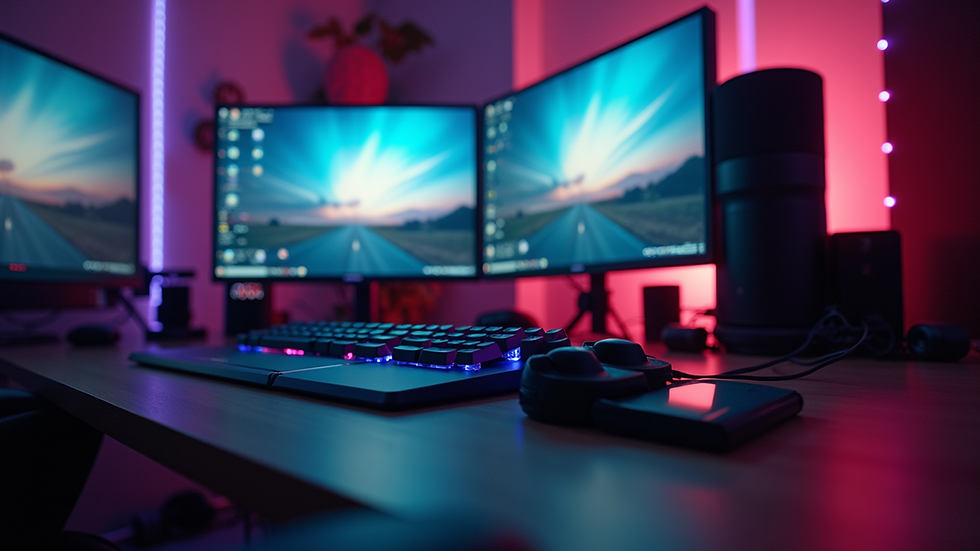
Essential Tools for Faceless FiveM RP Streaming
Equip yourself with the right software and hardware. OBS Studio remains the top choice for streaming. It’s free, powerful, and highly customizable. Use OBS’s scene collections to switch between gameplay, overlays, and facecam alternatives quickly.
Consider these tools:
VPN Service: NordVPN, ExpressVPN, or any reliable provider.
Virtual Webcam Software: OBS VirtualCam or Snap Camera.
Voice Modulators: Voicemod or Clownfish Voice Changer.
Overlay Generators: Streamlabs or StreamElements for clean, anonymous overlays.
Hardware matters too. Invest in a quality microphone with a pop filter to ensure clear audio without revealing your environment. Use headphones to prevent audio feedback and maintain privacy.
How to stream movies in FiveM?
Streaming movies inside FiveM RP servers can add immersive storytelling to your streams. To do this, you need to use in-game screens or custom scripts that allow media playback. Many RP servers support media players that stream YouTube videos or local files.
Here’s how to get started:
Check Server Rules: Confirm that streaming movies is allowed on your RP server.
Use Media Player Scripts: Download and install scripts like `simple-media-player` or `nui-media-player`.
Prepare Your Content: Use royalty-free or licensed movies to avoid copyright strikes.
Stream to Your Audience: Share your screen or capture the in-game media player window in OBS.
Engage Your Viewers: React to the movie and roleplay interactions to keep the stream lively.
This method enhances your RP experience and keeps your audience hooked without revealing your identity.

Protect Your Identity with Smart Streaming Practices
Anonymity is fragile. Guard it fiercely. Avoid linking your streaming accounts to social media profiles. Use burner emails and phone numbers for account verification. Regularly clear your cache and cookies to prevent accidental data leaks.
When streaming, disable any overlays or alerts that might reveal personal info. Customize your chat bot to filter out sensitive keywords. Use a VPN consistently, not just during streaming sessions.
Keep your physical environment private. Stream from a neutral location without personal items in view. If you use a webcam, consider a digital avatar or animated facecam to mask your real appearance.
Grow Your Channel While Staying Anonymous
Building a loyal audience without showing your face is challenging but doable. Focus on content quality and community engagement. Use social media platforms with anonymous profiles to promote your streams. Share highlights and clips that showcase your RP skills and storytelling.
Engage with your chat actively. Use voice modulation or text-to-speech to interact without revealing your voice. Host giveaways or events that encourage viewer participation without compromising your identity.
Consistency is key. Stream regularly and maintain a schedule. Use analytics to track what content resonates most with your audience. Adapt and evolve your style while keeping your anonymity intact.
For a deeper dive into these strategies, check out this anonymous fivem rp streaming guide.
Next Steps to Elevate Your Anonymous Streaming Game
Mastering anonymous streaming in FiveM RP is a journey. Keep refining your setup, stay updated on privacy tools, and engage your community creatively. Experiment with new overlays, voice effects, and in-game content to keep your streams fresh.
Remember, your identity is your power. Protect it with every stream. Use the tips here to build a faceless brand that stands out and grows steadily. The Faceless Creator Lab is here to support your climb to affiliate status and beyond.
Stay faceless. Stay fearless. Stream smart.


Comments